
April 9, 202616 min readUpdated July 12, 2026
Poke: The Easiest Way to Control AI Agents via Text Messaging
Move from "chat" to "do." Poke uses agentic workflows to handle your inbox, schedule meetings, and control smart home devices directly through your favorite messaging apps.

Image Credits: Poke/The Interaction Company of California
Most people hear the words "artificial intelligence" and picture something complicated. Lines of code. Tech jargon. A steep learning curve. But what if using an AI agent was as simple as texting a friend? That's exactly what Poke promises. No app to download. No account to configure. No manual to read. Just open your messages, type what you need, and let Poke handle the rest. In a world where AI tools are multiplying fast, Poke stands out by doing something radical: it meets you exactly where you already are.
This article breaks down everything you need to know about Poke. What it is, how it works, what it costs, and whether it's worth your time. Whether you've never used an AI tool in your life or you've dabbled with a few and found them clunky, this guide is written for you.
What Is Poke? The AI Assistant That Lives in Your Messages
Poke is a proactive AI assistant that you access entirely through messaging platforms. Think iMessage, SMS, or Telegram. There's no separate app. No dashboard. No login page to bookmark. You register with your phone number, and from that point on, Poke lives inside your existing messages like any other contact.
That might sound simple. It is. But don't let the simplicity fool you. Behind that ordinary-looking text thread is a powerful AI agent capable of managing your schedule, tracking your health data, controlling your smart home, and sorting through your email. Poke handles real tasks, in real time, triggered by plain-text instructions you send from your phone.
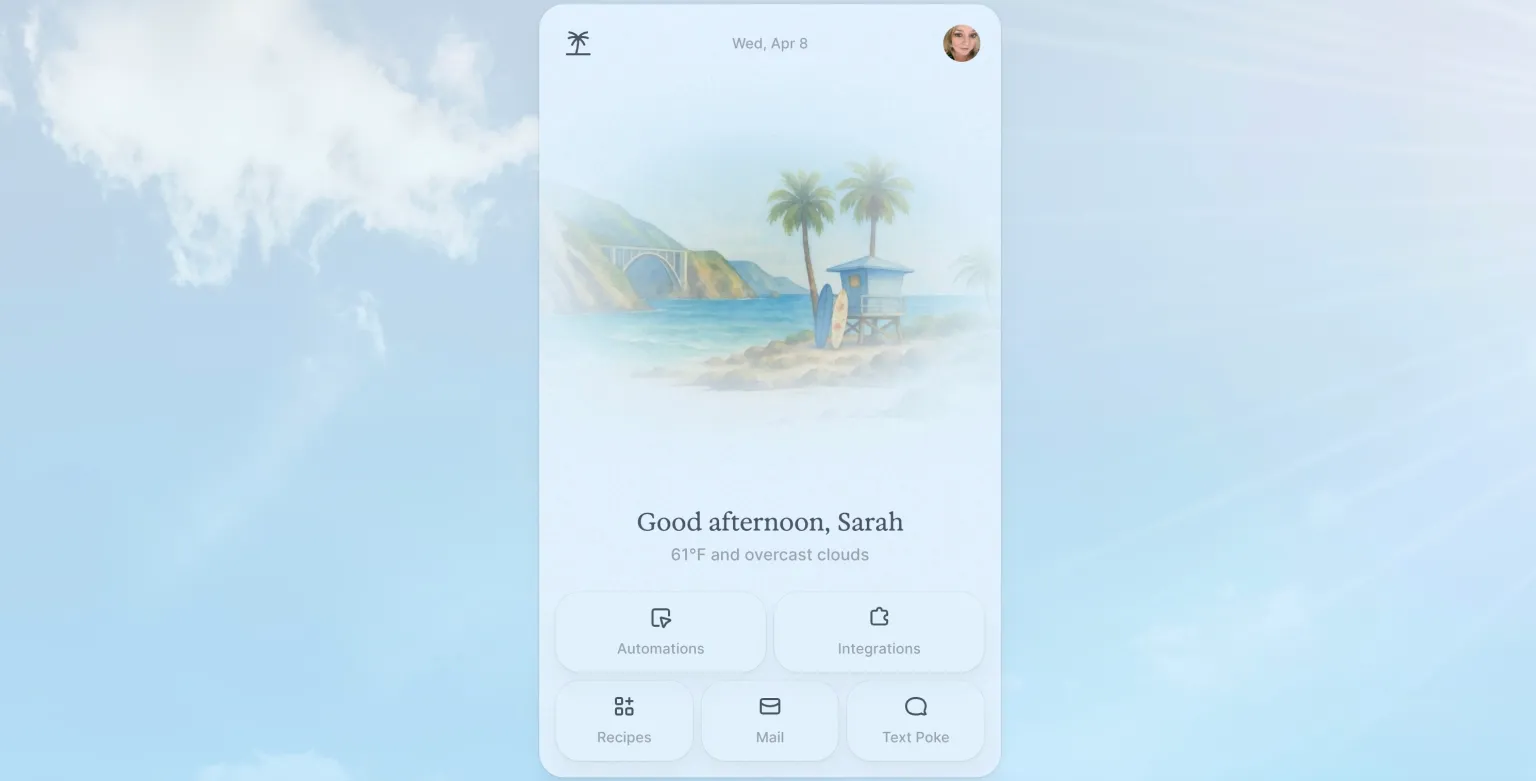
Image Credits: Poke/The Interaction Company of California
So how does it differ from tools like Siri or ChatGPT? Siri is tightly tied to Apple's ecosystem and works best for quick device commands. ChatGPT is conversational and brilliant but doesn't proactively do things on your behalf or connect to your personal accounts out of the box. Poke sits in a different lane. It's designed to take action, not just answer questions. You tell it what you need done, and it does it. That's the key distinction between a chatbot and a true AI text agent.
Which Platforms Can You Use Poke On?
Right now, Poke works through iMessage, SMS, and Telegram. The decision to build on messaging platforms rather than releasing a standalone app was deliberate. People already spend enormous amounts of time in their messaging apps. By living there, Poke removes the single biggest barrier to AI adoption: getting people to change their habits. You don't have to remember to open a new app. Poke is already in your pocket, sitting in the same place your family group chat lives.
How Does Poke Work? A Simple Breakdown
Here's the plain-English version. Poke uses AI agents to interpret your text messages and then carry out tasks on your behalf by connecting to services you already use. You might text it "remind me to take my medication at 8pm every day" or "check my Gmail for anything from my bank this week." Poke processes that instruction, connects to the relevant service, and takes care of it.
The phrase "AI agents" gets thrown around a lot right now. Let's clear it up.
What Are AI Agents and Why Should You Care?
An AI agent is different from a basic AI chatbot. A chatbot answers questions. An agent takes action. Think of the difference between asking someone for directions versus handing them your keys and asking them to drive you there. AI agents are the ones holding the keys.
For everyday life, this matters enormously. Most AI tools today are reactive. You ask, they answer. But a proactive AI assistant like Poke can anticipate needs, execute tasks automatically, and operate across multiple platforms without you micromanaging every step. That's a meaningful upgrade from what most people are used to.
A good analogy: imagine a personal assistant who never sleeps, never gets overwhelmed, and always remembers exactly what you asked. You don't have to repeat yourself. You don't have to follow up. That's the promise of AI agents, and Poke is trying to deliver it through something as ordinary as a text message.
How Poke Uses AI Agents Behind the Scenes
When you send Poke a message, it doesn't just read your words. It interprets your intent and then figures out what action to take. Need to schedule a meeting? It checks your calendar. Want to log a workout? It connects to Fitbit. Trying to manage email via iMessage AI? Poke links to your Gmail and handles it without you ever opening your inbox.
One of Poke's more interesting features is what it calls "recipes." These are custom automations you build yourself, using plain language, that tell Poke how to handle recurring tasks. For example, you might create a recipe that says: every Monday morning, check my Gmail for unread messages from my boss and send me a summary. Once set up, that runs automatically. No reminders needed on your end. No manual checking. Poke just does it.
Getting Started With Poke Is Genuinely This Simple
Here's something that surprises most people when they first hear about Poke: you don't need to download anything. Setup happens entirely through text messaging. You provide your phone number, go through a brief registration process via text, and you're in. Start to finish, it takes minutes.
This is a bigger deal than it sounds. The average person abandons an app before they even finish setting it up if the process feels tedious. Poke sidesteps that problem entirely. There's no app store. No email verification loop. No profile to fill out. Just a phone number and a text conversation.
Why Zero Installation Makes Poke Different
Compare this to using other AI tools. With ChatGPT, you create an account, verify your email, navigate a web interface, and learn how to prompt it effectively before you get real value. With Siri, you're constrained to Apple's device ecosystem. With Google Assistant, you're working within Google's app. Each of these tools asks you to come to them.
Poke comes to you. That single design decision opens the door for people who would never otherwise try an AI tool: older adults, people who aren't comfortable with technology, busy parents who don't have time to learn something new. If you know how to send a text, you know how to use Poke. That's the entire learning curve.
What Can Poke Actually Do? A Look at Its Key Features
Poke started as an email tool. Beta testers, however, had other ideas. They kept using it for everything else, and the team listened. Today, Poke has evolved into a general-purpose AI assistant that touches several areas of daily life. Here's a look at what it can actually handle.
Scheduling and Calendar Management
Tell Poke you have a dentist appointment next Thursday at 2pm and it adds it. Ask it to remind you about your kid's soccer game on Friday and consider it done. For people who live by their calendars, having an AI text agent handle scheduling through a simple text message is a genuine time-saver. No opening an app. No tapping through menus. Just say what you need.
Health Tracking With Poke
Poke integrates with Fitbit, which means it can pull in your health data and act on it. You might ask it to log your steps for the day, check whether you've hit your sleep goal, or remind you to drink water every two hours. For anyone trying to build healthier habits, having a proactive AI assistant nudging you through your existing messages is a low-friction way to stay accountable. You're not opening a health app and manually logging data. Poke does the heavy lifting.
Smart Home Control
Got a smart home setup? Poke can reach into it. Lights, thermostats, locks: the kinds of devices that usually require you to open a separate app or use a voice assistant in a specific room. With Poke, you control them through text. Driving home and want the heat on? Text Poke. Simple.
Email Management via Gmail Integration
This was Poke's original purpose and it still does it well. Managing email via iMessage AI sounds like something from a science fiction movie but it's genuinely practical. You can ask Poke to summarize unread emails, flag messages from specific senders, or draft replies. For anyone drowning in inbox clutter, this alone might justify trying Poke. Instead of opening Gmail and scrolling through 200 messages, you ask Poke for the highlights and move on with your day.
Task Automation and Custom Recipes
Recipes are where Poke gets genuinely interesting. These are user-created automations, built in plain language, that tell Poke how to handle recurring tasks. You don't need to know how to code. You don't need technical knowledge of any kind. You describe what you want, and Poke figures out how to make it happen.
Examples of automations users have built include: daily morning briefings summarizing weather, calendar events, and unread emails; automatic workout summaries sent to a partner; weekly spending reports pulled from connected accounts. The possibilities scale with your imagination. And because the community shares recipes openly, you can borrow and adapt what others have already built.
Is Poke Safe to Use? Understanding Its Security Model
Handing an AI agent access to your Gmail, your calendar, and your smart home is a reasonable thing to feel cautious about. Security is a fair concern. Poke addresses it through a multi-layered approach designed to limit exposure and protect user data.
How Poke Protects Your Data
Poke uses penetration testing, which is the practice of hiring security experts to try to break into a system in order to find weaknesses before bad actors do. It also operates on a limited permissions model: Poke only requests access to the specific data it needs to complete a task. It doesn't take a blank-check approach to your accounts.
Think of it like hiring a house cleaner. You give them a key to the front door, not the combination to your safe. Poke is designed with that same principle. It accesses what's necessary and nothing more.
Who Controls Your Data?
You do. Poke gives users control over what data is shared and with whom. If you want to grant access, you can. If you want to restrict it, you can do that too. The system is built with user privacy as a priority rather than an afterthought. For a tool that sits at the center of your daily digital life, that transparency matters.
How Much Does Poke Cost?
Poke starts free. That's the honest answer. You can sign up, set it up, and start using it without spending a cent. Costs come into play around real-time task execution: the actions Poke takes on your behalf that require active processing and integration work.
The pricing model is usage-based, meaning you pay proportionally to how much you use it. During beta, pricing remains flexible. The team has been transparent about the fact that their current priority is growth over profit, which means early adopters are getting favorable terms. If you're curious about current pricing details, checking Poke's official site directly is the safest bet since beta terms can shift.
Is Poke Worth the Price?
Consider the alternative. A human personal assistant in the US costs anywhere from $15 to $40 per hour. Even a few hours a week adds up quickly. Poke handles scheduling, email management, health tracking, and smart home control at a fraction of that cost. For individuals trying to reclaim time in their day, the value proposition is straightforward.
For early adopters especially, the beta pricing represents a genuine opportunity to lock in favorable terms before Poke scales. Getting in early with tools that grow into daily habits tends to pay off.
The Community Side of Poke: Share, Earn, and Expand
One of Poke's most forward-thinking features is its community layer. Users don't just consume Poke's built-in capabilities. They contribute to them. When you build a recipe you're proud of, you can share it with other users. When someone signs up through your shared automation, you earn a reward. It's a simple incentive structure that encourages genuine participation.
Why a Community-Driven AI Tool Is a Big Deal
For non-technical users, this is particularly valuable. You don't have to build your own automations from scratch if you don't want to. Browse what others have created, find one that fits your life, and adopt it. The community effectively does the configuration work for you.
This model also makes Poke smarter over time. As more users share recipes, the library of available automations grows. Someone in one city figures out a clever way to use Poke for grocery tracking and shares it. Someone else on the other side of the world benefits from that idea without ever knowing it existed. That kind of collective intelligence is hard to replicate with a closed, proprietary tool.
Who Is Poke Built For? Real-Life Use Cases
Poke isn't just for tech enthusiasts. Its design deliberately targets people who have been left behind by AI tools that are too complex or too narrow.
The busy parent juggling school pickups, work deadlines, and household logistics can use Poke to manage the calendar, set reminders, and control the thermostat, all without switching between five different apps. The professional buried in email can use it to surface only the messages that matter. The health-conscious person trying to stay on top of fitness goals can have Poke check in with Fitbit data and send gentle reminders.
And then there's the technology newcomer who has heard about AI but never found a comfortable entry point. For this person, Poke's text-based interface is a revelation. There's no foreign interface to navigate. It's just a text conversation, the most familiar digital interaction most people have.
Real Examples of Poke Making Life Easier
Picture this. It's Monday morning. Before you've had your coffee, Poke sends you a text: "Good morning. You have three meetings today, two unread emails from your manager, and you hit 94% of your step goal yesterday." You didn't ask for any of that. Poke just knew to send it because you set up that morning briefing recipe last week. You reply "draft a response to my manager's latest email" and by the time you finish your coffee, Poke has a draft ready for your review.
That's not a demo scenario. That's how it's meant to work in daily life. Small moments of friction, removed one text at a time.
What's Next for Poke? The Bigger Vision
Poke's ambitions are not small. The team has been open about wanting to reach a billion people. That kind of growth doesn't come from product features alone. It comes from embedding a tool so deeply into daily habits that people can't imagine life without it.
Their growth strategy leans on creators and influencers to spread the word organically. When someone with a large following shares a useful recipe or demonstrates how they manage their day with Poke, it introduces the tool to audiences who might never have encountered it through traditional advertising. The community reward model supports this: every recipe shared is a potential new entry point for someone discovering Poke for the first time.
Why Poke's Approach Could Change How We Think About AI
The dominant model for AI right now is: open an app, type a question, read an answer. It's fundamentally reactive. Poke is betting on a different model where AI lives in the background of your life, accessible through a medium you're already using, and capable of taking initiative without being prompted every single time.
If that vision plays out, it shifts AI from a tool you consult to a presence that helps you without being asked. For ordinary people, that's a more useful version of AI than anything currently mainstream. You don't need to understand how it works. You just need to text it.
How Poke Evolved in Mainland U.S. Cuisine
In 2016, poke was still riding the wave of a fast-casual boom; by the time the National Restaurant Association began tracking emerging menu trends, it had already moved from a niche Hawaiian specialty to a mainstream bowl format that could sit comfortably next to burritos and salads. That shift matters, because the mainland U.S. version of poke is not just a copy of the island original — it’s a re-engineered dish shaped by supply chains, lunch-hour speed, and local taste preferences.
On the mainland, poke evolved in three big ways. First, the protein expanded. Traditional ahi remains the benchmark, but many U.S. shops now offer salmon, octopus, tofu, shrimp, and even cooked chicken or plant-based substitutes. Second, the flavor profile broadened. Instead of relying mainly on shoyu, sesame, limu, and onion, mainland menus often layer in spicy mayo, ponzu, mango, jalapeño, furikake, and crunchy toppings that make the bowl feel closer to a customizable grain salad. Third, the format changed. In Hawaiʻi, poke is often sold by the pound as a side dish or snack; on the mainland, it is frequently built as a full meal over rice, greens, or noodles.
That evolution is not just culinary trivia. It reflects how regional foods adapt when they travel: they become more customizable, more standardized, and sometimes more distant from their original context. The Hawaiian Food Systems Working Group has noted that preserving cultural food traditions while supporting local ingredients is an ongoing concern in Hawaiʻi’s food economy, which helps explain why “poke” can mean very different things depending on where you order it. For a concise cultural baseline, the Hawaiʻi Tourism Authority and University of Hawaiʻi resources on local food culture are useful starting points.
So if you’re writing about poke today, the interesting story is not just what it is — it’s how mainland America turned a simple island preparation into a highly adaptable national category.
Common Mistakes When Making Poke at Home
A single 6-ounce serving of raw fish can look pristine on the counter and still become a problem if it sits in the wrong temperature range for too long. That’s why the most common poke mistakes at home are less about flavor and more about handling. The U.S. Food and Drug Administration recommends keeping seafood cold and minimizing time in the danger zone, because raw fish is especially sensitive to time and temperature control. If you’re making poke yourself, that guidance is the difference between a clean, bright bowl and one that risks foodborne illness. See the FDA’s seafood handling advice here: FDA Seafood Safety.
The first mistake is using the wrong fish. “Sushi-grade” is not a regulated safety term, and it can give home cooks a false sense of security. Instead, buy fish from a reputable fishmonger and ask whether it has been previously frozen to parasite-destruction standards when appropriate. The FDA Fish and Fishery Products Hazards and Controls Guidance explains why parasite control matters for raw seafood.
The second mistake is over-marinating. Poke is not ceviche. Acid, soy sauce, and sesame oil should enhance the fish, not cure it. Letting cubes sit too long can turn the texture mushy and muddy the seasoning. A short toss right before serving is usually enough.
The third mistake is cutting fish inconsistently. Uneven cubes marinate at different rates, which means some bites taste properly seasoned while others taste bland or overly salty. Aim for clean, uniform pieces so the texture stays tender but structured.
Finally, many home cooks overload the bowl. Too many toppings can bury the fish and make the dish feel like a random salad. A better approach is to choose one creamy element, one crunchy element, and one bright element, then let the poke itself stay central. That’s the home-cook version of restraint: fewer ingredients, better balance, and a safer, more polished result.
Conclusion
Poke makes using AI agents as easy as sending a text, and that's not a marketing line. It's a genuine design philosophy built into every aspect of how the product works. No installation. No learning curve. No technical knowledge required. Just a phone number and the same messaging app you already use every day.
AI doesn't have to be intimidating. It doesn't have to live behind a complicated interface or require you to learn a new way of working. Poke proves that with the right design, an AI text agent can fit naturally into the rhythm of ordinary life.
If you've been curious about AI but haven't found the right entry point, this might be it. Text Poke something simple today. See what happens. You might be surprised how much easier your day gets.